AI projects

Projects built by directing agents

These projects have their own repos, deployment paths, verification loops, and product judgment behind them. Explore the games and tools below, then open a live app or download one for your Mac.

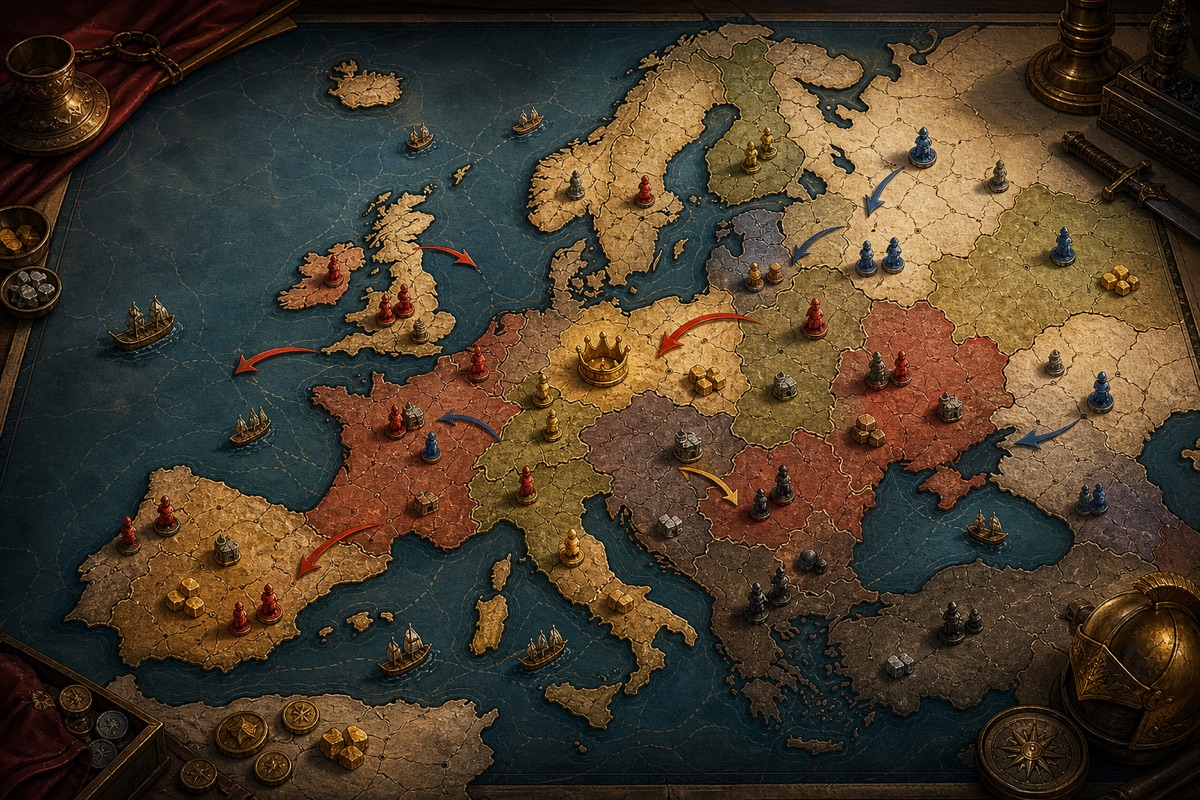
Crown the Map game screen showing a stylized map of Europe.
AI-directed game

Crown the Map

Live strategy game

A father-son browser strategy game for conquering Europe through troops, terrain, workers, and resources.

  • The design started with how he wanted it to work: pick a country, zoom into its states, and conquer neighboring land.
  • He wanted computer players that fight each other too, so the board becomes a shifting free-for-all instead of a scripted duel.
  • Food, iron ore, lumber, gold, workers, terrain, and pillboxes turn his conquest idea into a deeper strategy game.
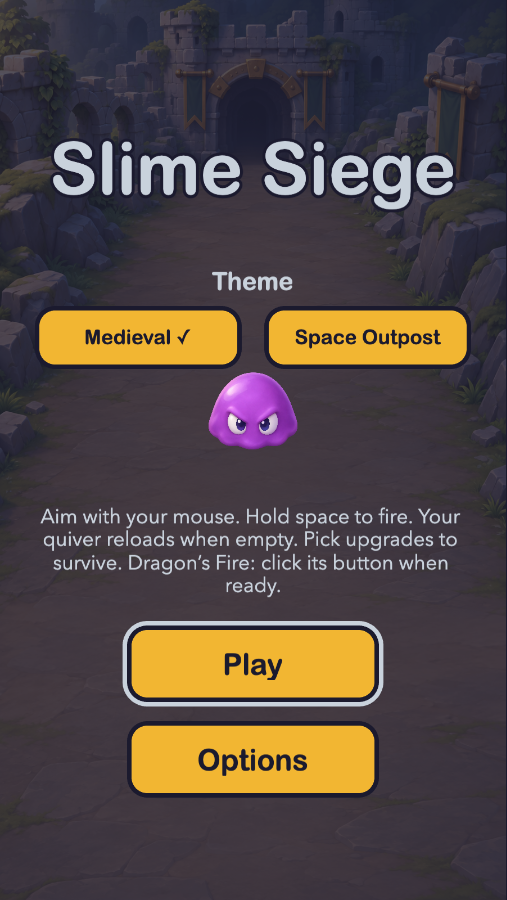
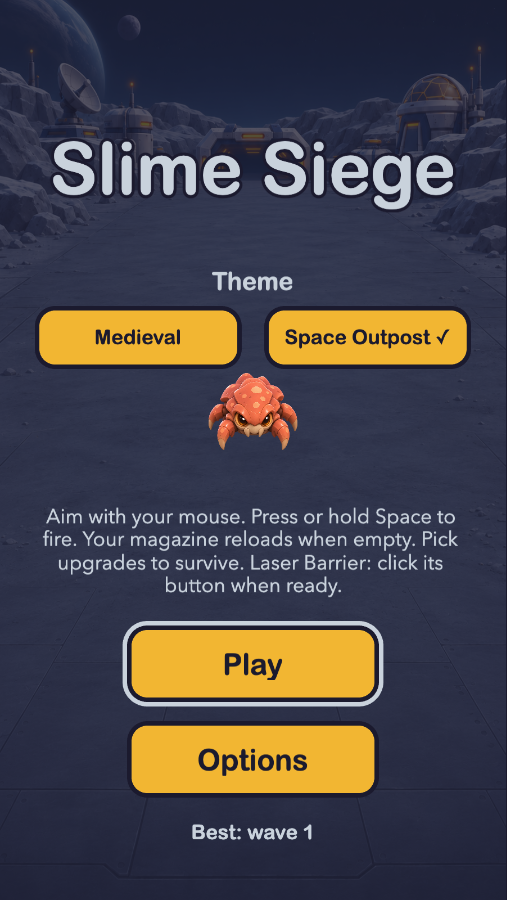
Slime Siege’s Medieval and Space Outpost theme choosers, showing the castle and space base artwork side by side.
AI-directed game

Slime Siege

Live browser defense game

Choose Medieval or Space Outpost, with doubled Archer and Dragon’s Fire damage, one-second starting reloads, Rank 1 upgrade cards, and easier XP progression. Desktop mouse and keyboard required.

  • Choose Medieval or Space Outpost: the same game with different artwork, names, and audio.
  • Upgrade cards start at Rank 1, reloads start at one second, and a gentler XP curve keeps later upgrades within reach.
  • Bring in Catapult, Hot Oil, Archers, and Dragon’s Fire support, with stronger Archer hits and fire damage at every rank.
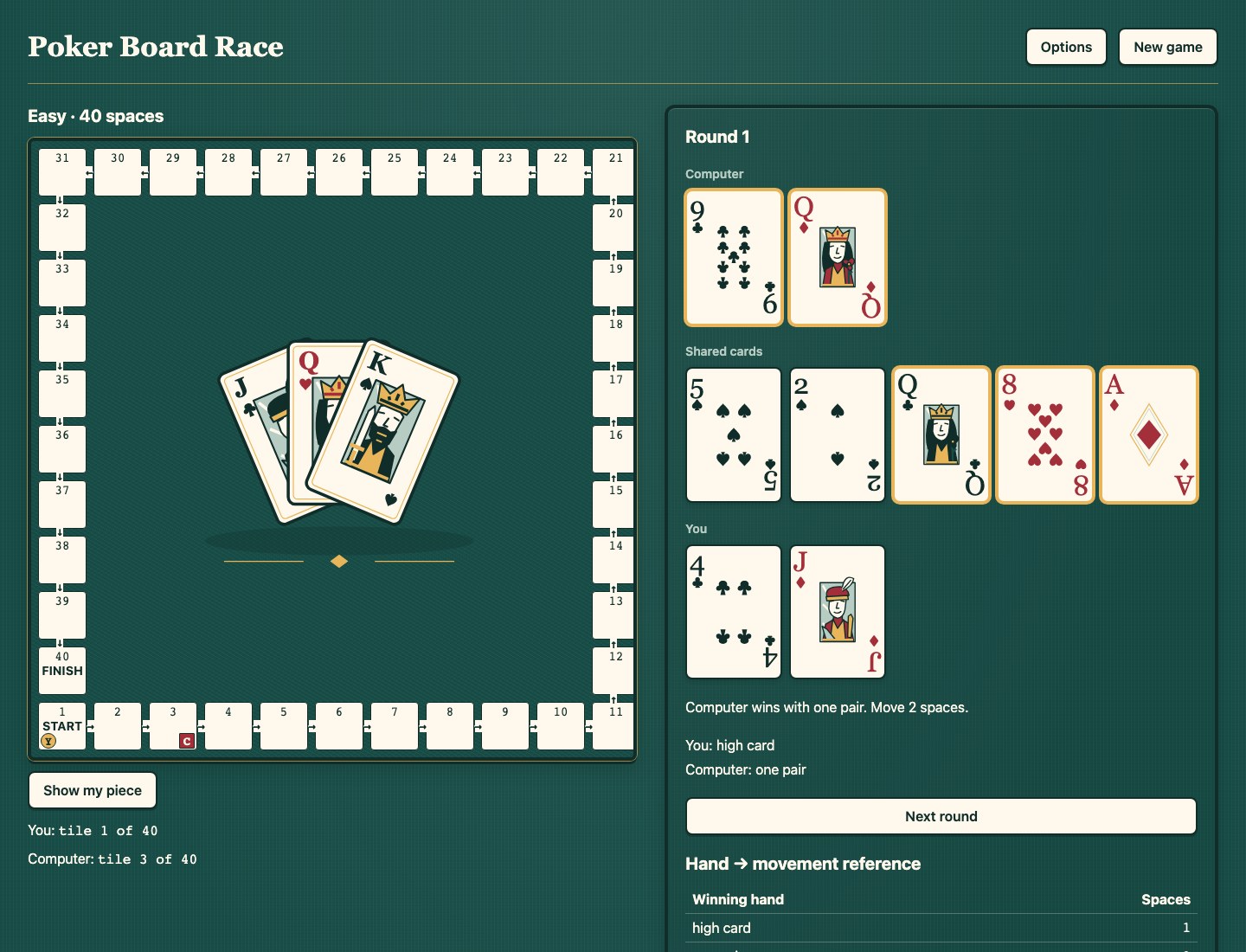
ePoker gameplay with an illustrated race board beside the revealed poker hands.
AI-directed game

ePoker

Live poker board race

A relaxed poker board race against the computer. Reveal the cards, let the winning hand move your piece, and race to the finish. No betting or chips.

  • Choose a 40-, 55-, or 75-space race across seven illustrated board layouts.
  • The winning five-card hand earns 1–10 spaces. Exact ties move neither piece.
  • Your race saves automatically in this browser, ready to resume when you return.
Transcopix app icon: a white screenshot frame and an arrow on teal.From your screen.
Into your work.
The name, unpacked
Trans(cribe)
Picture into text
Co(py)
Ready to paste
Pix(ture)
Capture your screen
A little Mac utility

Transcopix

Mac app · Version 2.2.2

Send a screenshot to your other Mac, or turn the words in an image into text you can paste. A small app that lives in your menu bar.

  • Send a selected area straight to your paired Mac. It is saved there and ready on the clipboard; your sending Mac keeps a clipboard copy too.
  • Use Get text to read the words in a screenshot and put editable text on this Mac’s clipboard. Requires your own OpenAI API key.
  • Set your own capture shortcuts and revisit screenshots you took in a 30-day local history.